Across the top right of the page you will notice the following six headings:
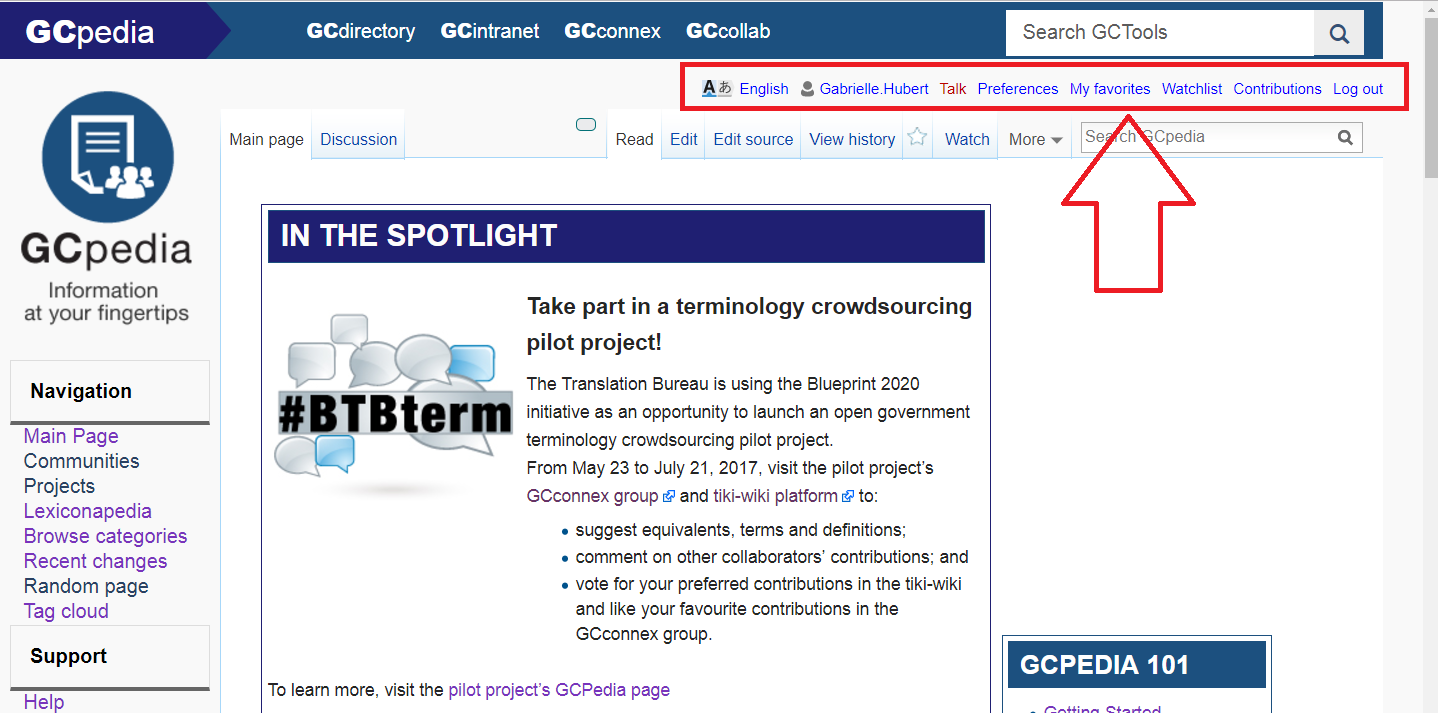
<username> : This links to your user page where you can put information about yourself or store bits of information you want to remember.
Talk: This links to your discussion page, where people can leave messages for you.
Preferences: Allows you to change your personal site preferences. Here you can change your password, change the language you prefer for the wiki interface, or choose to have e-mail notifications when watched pages are changed.
Watchlist: A list of all pages that you are watching. Pages can be added to this list by clicking Watch at the top of the page.
Contributions: A list of all contributions you have made including edits, comments, new pages, etc.
Log out: Click this link to log out of your account.
You can hover your cursor over the tabs at the top of a page to see an explanation of what that tab does and to see the keyboard shortcut for that tab.
Was this article helpful?
That’s Great!
Thank you for your feedback
Sorry! We couldn't be helpful
Thank you for your feedback
Feedback sent
We appreciate your effort and will try to fix the article