- While logged in to your GCpedia account, click on the Preferences menu item located on your personal GCpedia user menu bar.

- Scroll down to the Email header and click Change email address. You will be redirected to a new page.

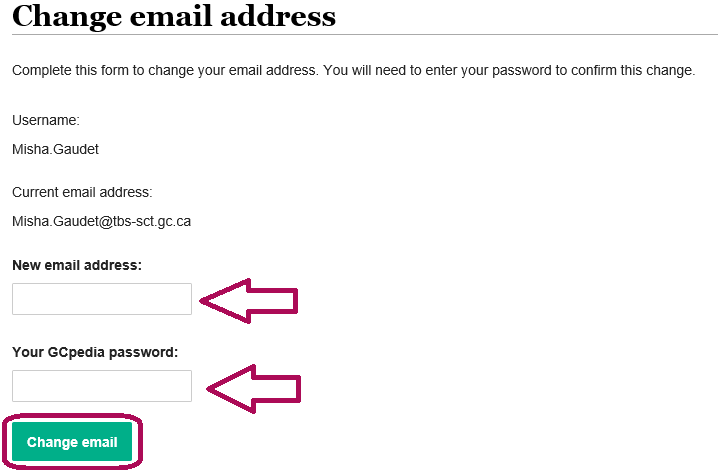
- Enter your new email address in the New email address box, and your password in the Password box.
- Save your changes by clicking on the Change email button at the bottom of the page.
Was this article helpful?
That’s Great!
Thank you for your feedback
Sorry! We couldn't be helpful
Thank you for your feedback
Feedback sent
We appreciate your effort and will try to fix the article